Kling 4.0 AI Video Generator — Take Your Next Scene Further
Bring a familiar text or image workflow into your next project. Shape product clips, social stories, and campaign scenes with Flash or Pro, then review the settings and credit cost before you create.

In Flash, describe the opening and ending in text. Frame image uploads are unavailable in this mode.
Your videos
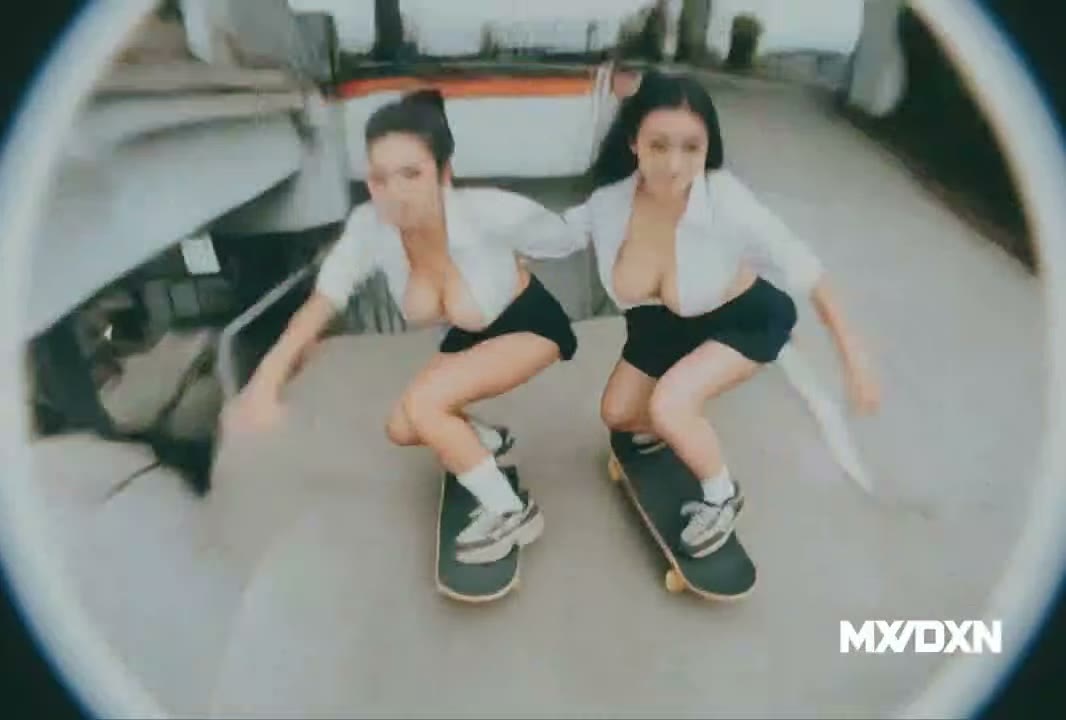
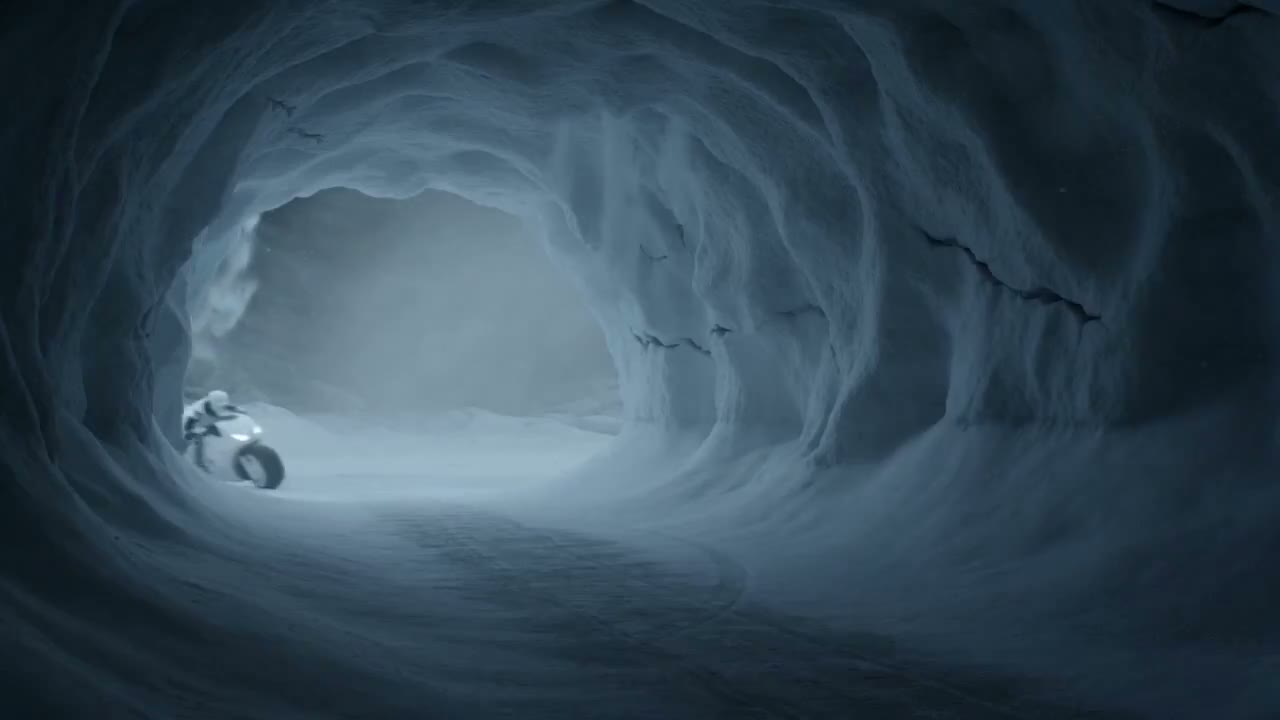

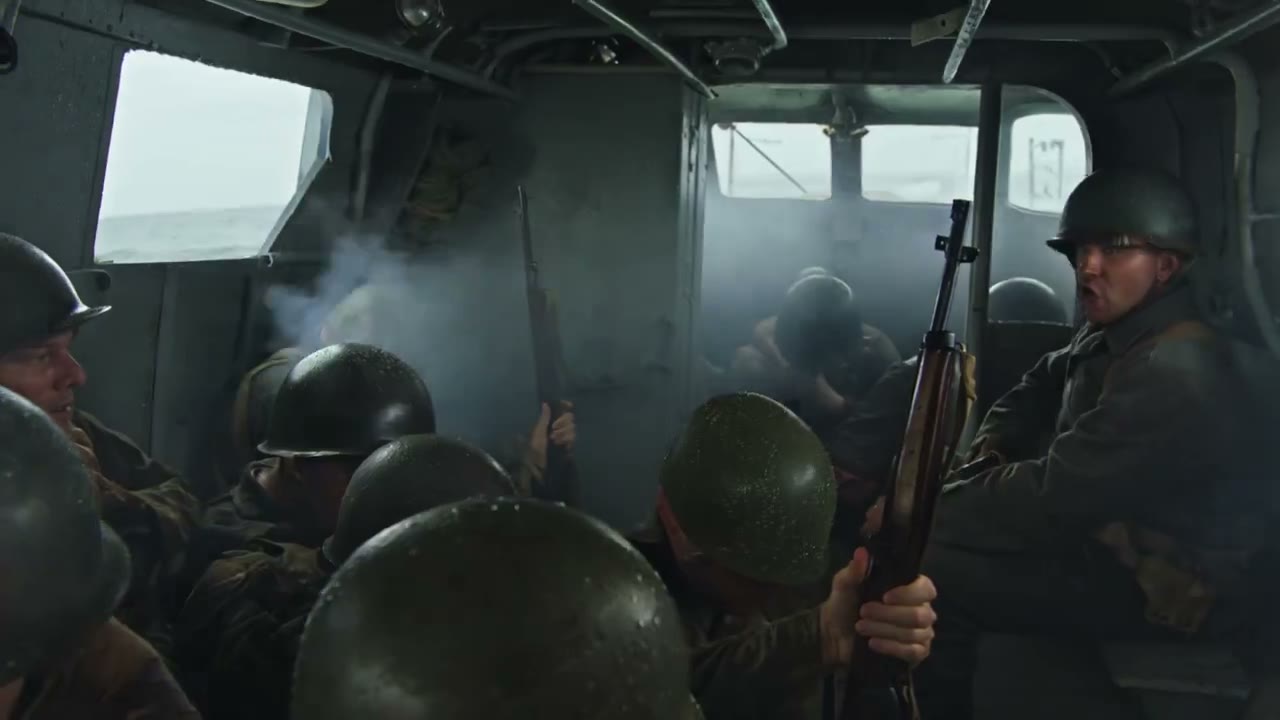
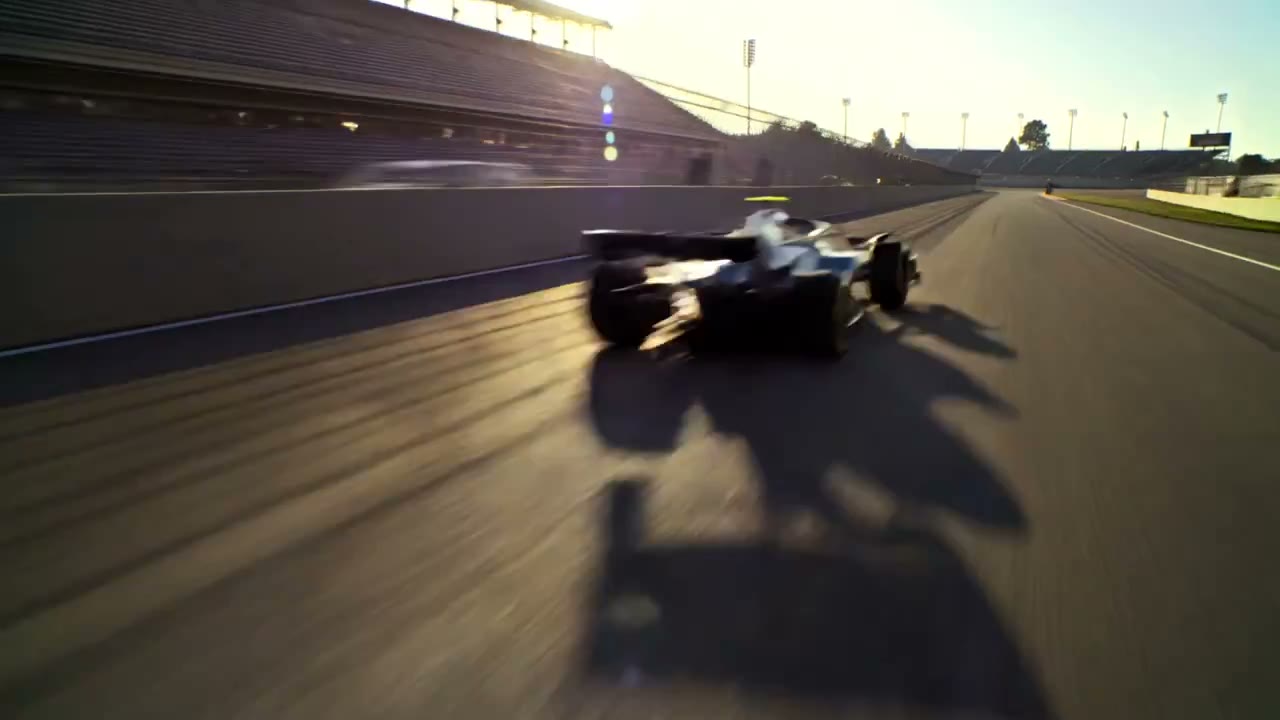

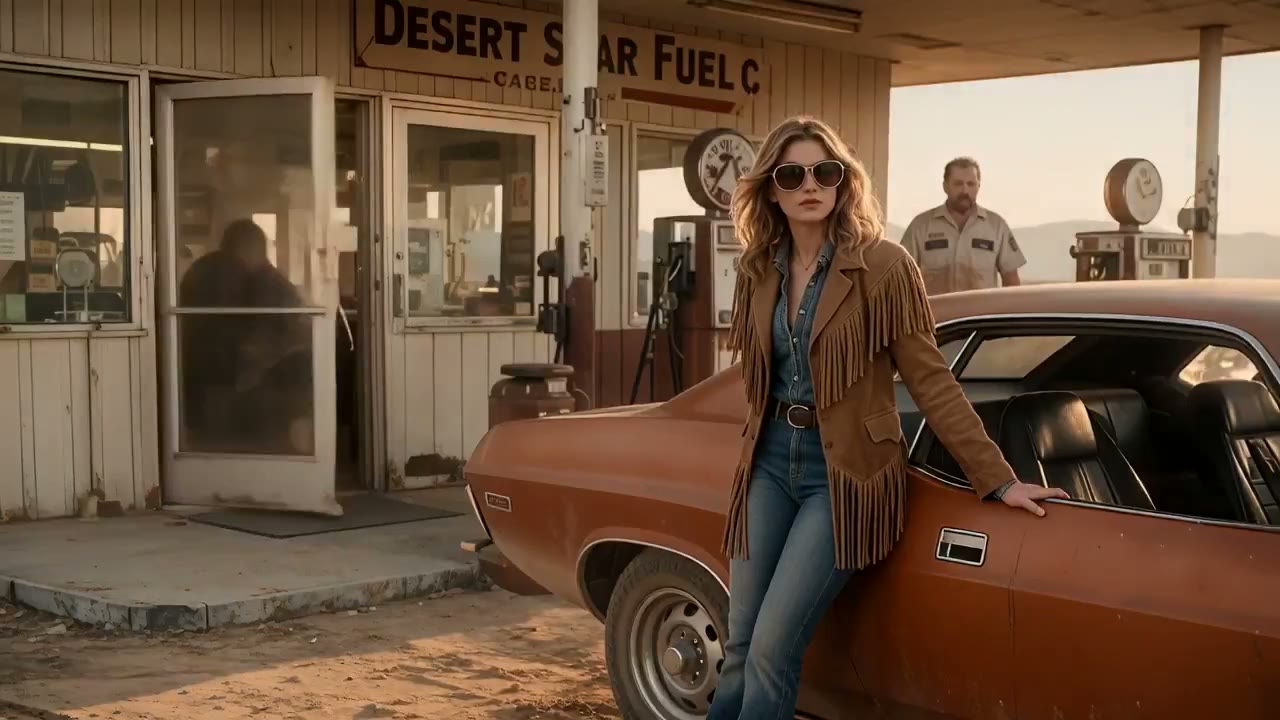


Kling 4.0 inspiration for your next video
See how a Kling 3.0 creator can carry a visual idea forward: a product close-up, a moving character, or a place that feels worth revisiting.
Product ads with a clear focal point
Carry a product concept beyond a single still image. Keep the subject recognizable as lighting and camera reveal its form.
Character movement made for social video
Give a character a movement the viewer can follow. Follow a single direction so the action reads on a small screen.
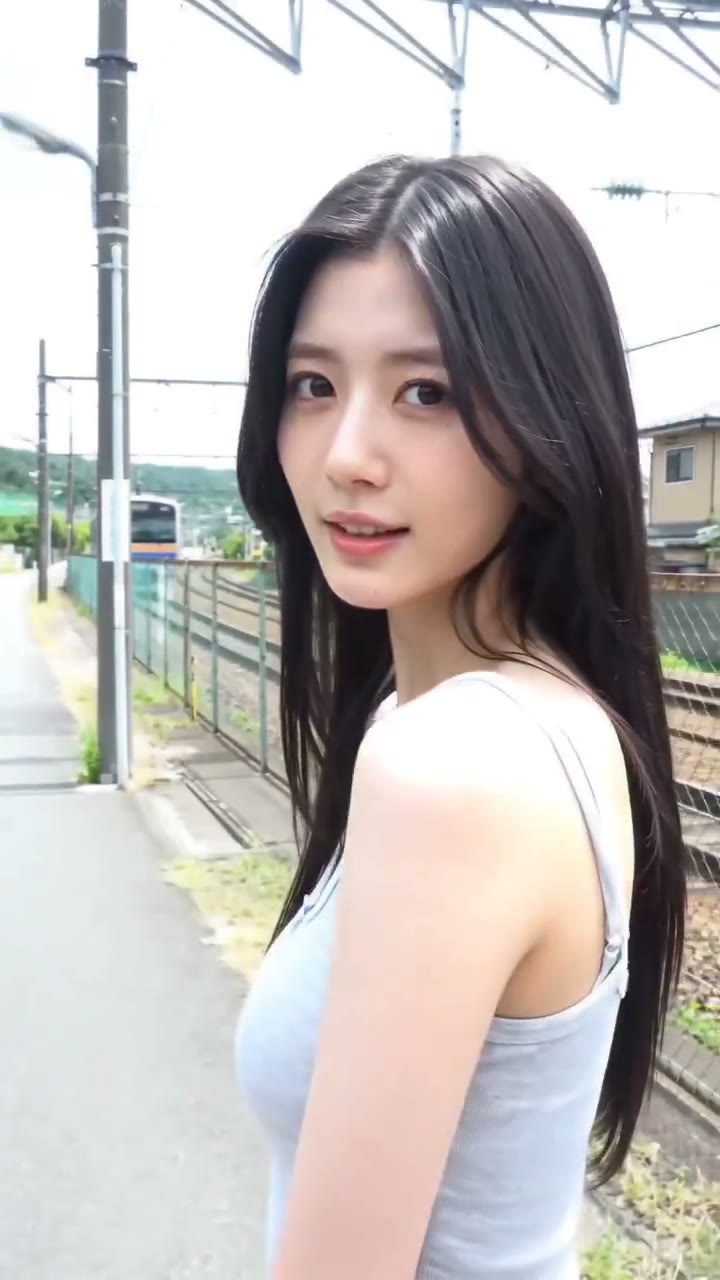
A travel moment with a human story
Turn a travel memory into a sequence with a clear point of view. Let one gesture connect the person to the surrounding place.
Start a Kling 4.0 video from the material you have
Your next Kling 4.0 AI video can begin with a written brief or an image you already trust. Choose the starting material that best preserves your idea.

Kling 4.0 text to video
Sketch a scene before production assets exist. Describe the subject, motion, and camera before adding finer style choices.
Kling 4.0 image to video
Give an established frame a new sense of motion. The subject can stay familiar while the scene explores a different action.
Kling 4.0 online video generator
Move from a first idea to an editable video workflow in one place. Compare the active inputs, settings, and credits before starting the next take.
Build on a Kling 3.0 workflow with Kling 4.0 AI
Turn a brief into visible action
Keep the same creative brief while testing a new cut. Compare the result with your goal to see which framing serves the product or story.
Get more from an image you already have
Let an existing image anchor the next shot. Decide which details remain recognizable while the scene begins to move.
Find the stronger version
Compare one change at a time against the version you already like. That restraint makes each improvement easier to see.
Take a familiar brief into Kling 4.0 in three steps
- 01
Choose your starting point
Bring a familiar scene brief or a reference image into the Kling 4.0 AI video generator, then decide what should remain recognizable.
- 02
Direct the action
Carry the same creative brief into Flash or Pro. Set the motion, duration, and frame, then confirm the credits shown for that version.
- 03
Create, review, and refine
Review the new take beside your earlier idea. Save the shot that works, or revise one detail and build the next version.
Get to know Kling 4.0
Compare the Kling 4.0 names and reported updates with the Kling 3.0 workflow you know, then choose the path that fits your next video.
Kling 4.0 Preview and Kling 4.0 Flash Preview
Read how Kling 4.0 Preview and Flash Preview terms relate to the reported modes before you choose a path from your Kling 3.0 workflow.
Kling 4.0 references and keyframes
Explore reference and keyframe concepts through the lens of keeping a scene recognizable from one take to the next.
Kling 4.0 access, pricing, and API
Check the guide for the latest access, API, and pricing information; use this page’s live credit estimate for the creation you are planning.
Your Kling 4.0 video questions, answered
How do Flash and Pro work on the Kling 4.0 page?
Flash and Pro give this page two ways to create. Compare the available inputs and credit estimate in each mode before you commit to a take; the guide covers the reported Kling 4.0 release separately.
Can I use an image on the Kling 4.0 page?
Yes. A supported product image or character frame can anchor your Kling 4.0 video. Describe the movement you want while keeping the important visual details clear.
How do I write a Kling 4.0 AI video prompt?
If you already have a Kling 3.0 prompt, keep its strongest subject and change only the action or camera for your Kling 4.0 AI video. A focused revision is easier to judge than several changes at once.
How much does creating in the Kling 4.0 video generator cost?
The estimate follows the Flash or Pro settings you select here. Review it before submitting and check your account balance; it is the cost of this creation flow, not a published Kling 4.0 price list.
How do I download videos from the Kling 4.0 generator?
When the take finishes, play and download it here. Your history keeps the task so you can return to it while comparing versions of the same idea.
Explore more creative tools
Carry your next idea into a Kling 4.0 AI video
Bring your Kling 3.0 experience to a new Kling 4.0 AI video. Set up a first scene here, review the result, and keep developing the version that works.